Features
One studio. Every edit.
You talk, the AI edits. GZOO Media Studio takes a raw take and does the tedious work — cuts, captions, zooms, B-roll, music — then sizes it for wide and vertical in one pass. It runs on your computer, it is free, and it stays yours.
Free — no card, no subscription, nothing to cancel
The editing work, done for you
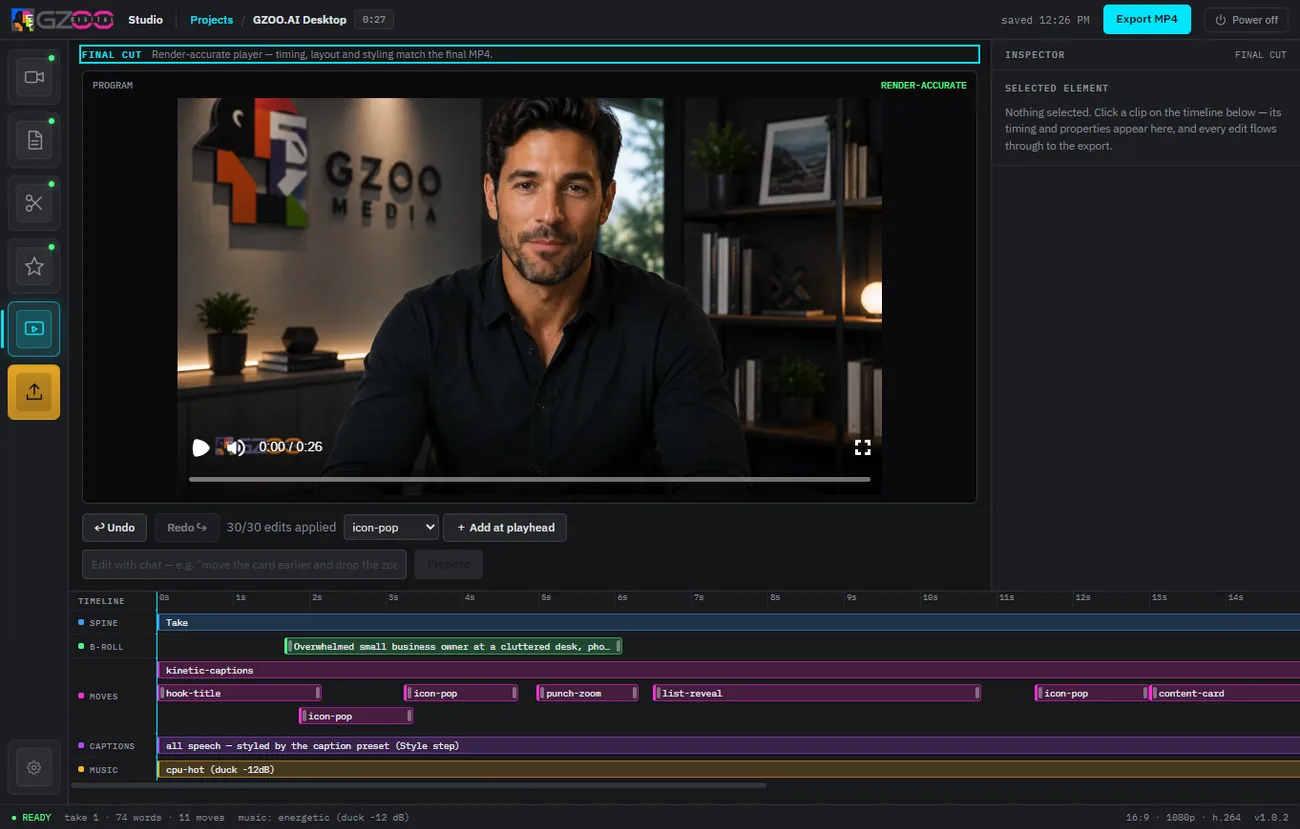
Describe the change in plain language, or let the studio apply its defaults. Either way the busywork disappears.
Removes filler
Ums, uhs, false starts and dead air get cut automatically, so the pace stays tight.
Auto captions
Accurate, animated captions styled the way short-form platforms reward — no manual timing.
Punch-in zooms
The studio adds dynamic zooms on emphasis, the way a good editor keeps a talking head alive.
B-roll that fits
Relevant B-roll dropped in on cue, so you are not staring at one static shot for two minutes.
Music & sound
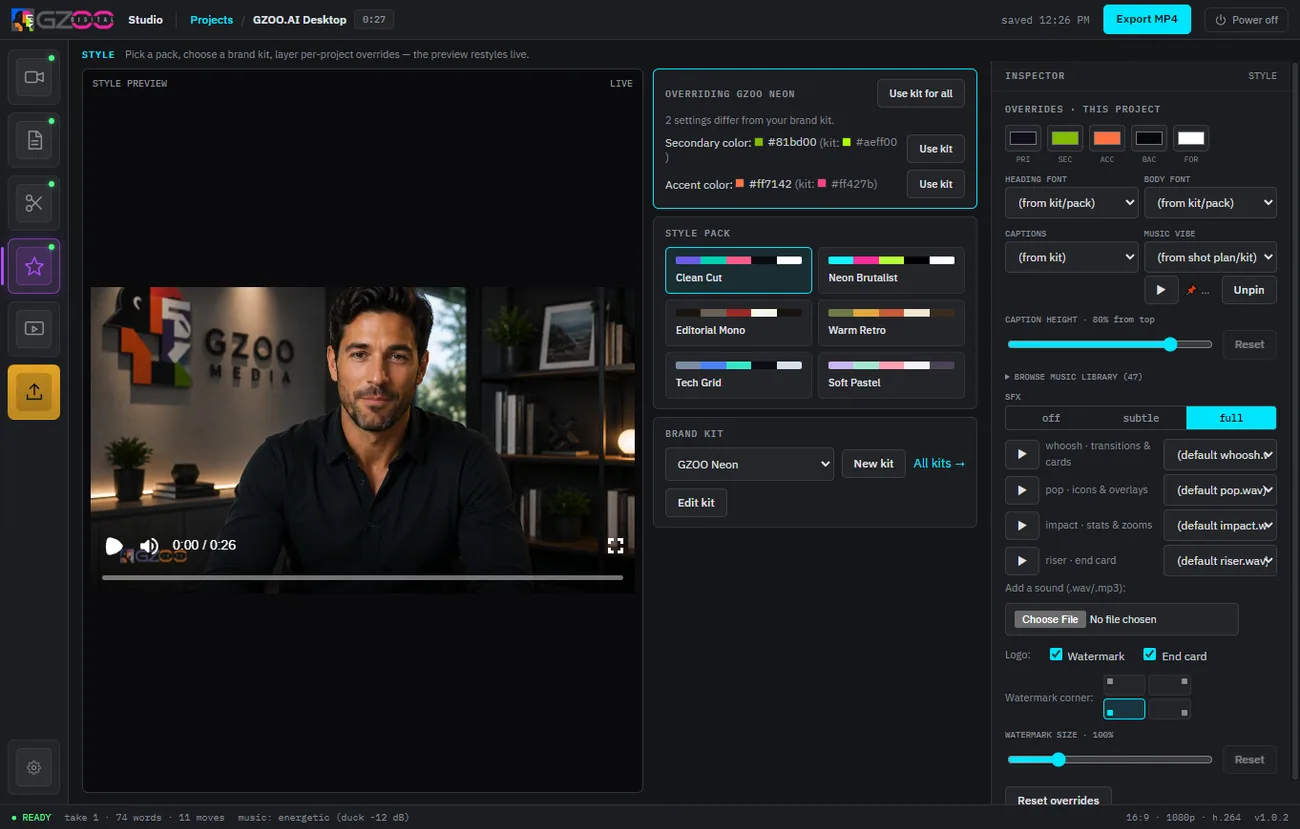
Backing tracks and sound design mixed under your voice at the right level.
Talk-to-edit
Ask for a change in words — “tighten the intro,” “add captions” — and it happens.
One edit, sized for every platform
Edit once. Retarget to 16:9 for YouTube and 9:16 for Shorts, Reels, and TikTok without re-cutting from scratch.
Wide + vertical
The same edit reframed for landscape and vertical, with the subject kept in frame.
Shorts from long video
Pull the best moments out of a long take and turn them into standalone clips.
Publish faster
What used to be an afternoon in a timeline is minutes — so you post more, more often.
A desktop app you own
GZOO Media Studio installs on your machine. Your footage never has to leave it, and there is no bill — monthly or otherwise.
Runs locally
Installs on Windows, macOS (Apple Silicon), and Linux. Your files stay on your computer.
Free, and yours
No price, no subscription, no per-minute credits, no watermark. Every version is included, with no expiry.
Your own AI keys
Bring your own provider key. The provider bills you directly, at cost — no marked-up platform tax.
Questions
Do I need to know how to edit video?
No. You can describe what you want in plain language, or accept the studio's defaults and get a finished edit. It is built for creators, not editors.
Does it work offline?
The app runs on your computer; the AI steps call a provider using your own API key. See how it works for the full flow.
What does it cost?
The studio is free — give an email address and download it. The only running cost is your own AI provider key, which the provider bills you for directly. Compare it on the no-subscription editor page.
Keep exploring
See it do the work.
GZOO Media Studio is free for Windows, macOS, or Linux. Talk, and watch a raw take become a finished edit.
Free — no card, no subscription, nothing to cancel